Online Image to SVG: Complete Guide to Bitmap Vectorization and SVGZ Compression
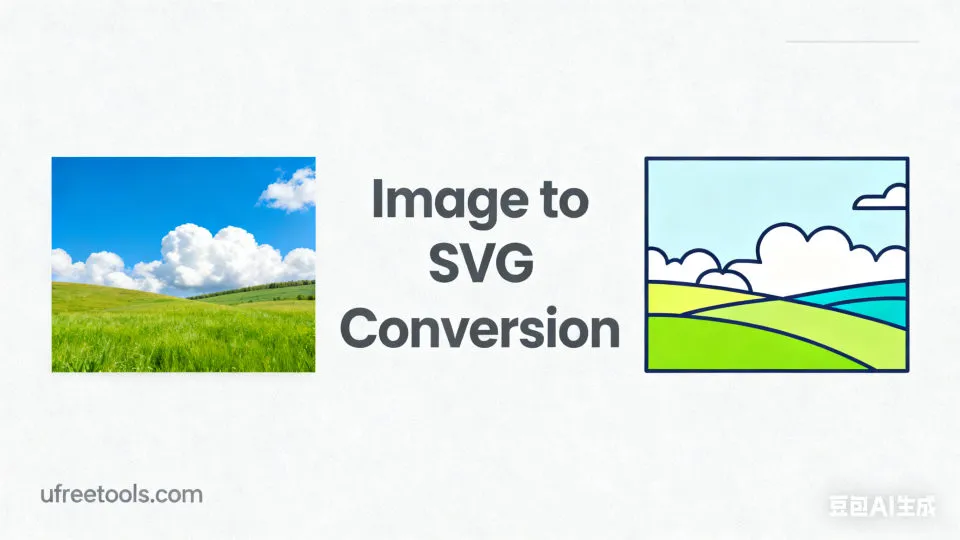
What is an Image to SVG Tool? How It Quickly Vectorizes Bitmaps
Our online image to SVG tool uses open-source algorithms executed locally in the browser to instantly convert PNG, JPG, GIF, BMP and other bitmap images into scalable SVG vector graphics, while supporting export to compressed SVGZ. No server upload required, instant preview, adjustable parameters, helping you obtain clean, editable vector paths in design, development and printing scenarios. With efficient color quantization and path optimization, this online image to SVG solution provides powerful support for your cross-platform workflow.
Typical Application Scenarios for the Online Image to SVG Tool
- Quickly vectorize logos, icons, and flat illustrations for easy scaling and editing
- Convert scanned hand-drawn sketches into SVG paths, suitable for subsequent coloring and layout
- Generate smaller vector graphics for websites and mini-programs to optimize loading and SEO
- Export bitmaps to SVGZ compressed format to further reduce size for mobile use
- Vectorize transparent background PNGs while preserving edge and transparency visual effects
- Vectorize static GIF frames (first frame) for graphic redesign and animation
- Suitable for manufacturing scenarios requiring SVG paths such as laser engraving, CNC, and cutting machines
Professional Tips:
When <strong>converting image to SVG online</strong>, appropriately reducing the number of colors and increasing the path omit threshold (pathomit) can effectively reduce noise; simultaneously enabling line filtering (linefilter) is more conducive to obtaining smooth paths for line drawings and icons.
Choose our online image to SVG tool to complete vectorization, preview, editing and export locally in your browser, avoiding uploading private data. Through standard SVG and SVGZ export, this online image to SVG workflow is suitable for both design and web development as well as manufacturing scenario path processing.
Frequently Asked Questions (FAQ)
How does the image to SVG online tool achieve vectorization?
Can compressed SVGZ be exported? Does online image to SVG support this?
How is the vectorization effect of transparent background PNGs?
What input formats are supported for online image to SVG?
How to Use the Online Image to SVG Tool (Detailed Steps)
Upload or Paste Images
Click the upload area or directly drag files in; also supports clipboard paste. It is recommended to use clear source images to obtain higher quality vector paths.
Supports PNG/JPG/GIF/BMP/WEBP, multiple images will enter batch queue.
Preview Input and Check Transparent Background
Confirm in the left preview area that the imported file is correct; for transparent background PNGs, first observe whether the edges and transparent areas meet expectations.
You can delete incorrectly selected images to keep the queue clean.
Adjust Vectorization Parameters
Adjust number of colors, ltres, qtres, pathomit and line filtering according to image characteristics. The right preview will refresh in real-time, helping you achieve the best balance in online image to SVG.
Increase pathomit for line drawings, reduce colors for logos to obtain cleaner paths.
Execute Conversion and View Comparison
Click "Start Converting to SVG", the tool will generate SVG locally and provide an interactive preview. Through the comparison view of the original and vectorized images, quickly check path quality.
Can smoothly view and zoom in on details on mobile devices.
Select Export Format: SVG or SVGZ
For minimal file size, choose SVGZ; for further editing and compatibility, choose SVG. Both can be used for online image to SVG results application in web and design tools.
SVGZ loads more friendly in weak networks and on mobile devices.
Download or Batch Pack
Download each vector graphic individually, or use "Batch Download (ZIP)" to export queue results at once, saving time in the online image to SVG process.
All operations are completed locally in the browser, protecting image privacy.
Congratulations!
You have mastered how to use <strong>online image to SVG</strong> to complete bitmap vectorization, parameter optimization and multi-format export.
Related Tools You Might Be Interested In
Image Compressor
Reduce image file size without significant quality loss.
Batch Image Resizer
Resize images to specific dimensions or scale by percentage.
Invert Image Colors
One-click color inversion to generate photographic negatives and creative effects.
QR Code Generator
Create custom QR codes for URLs, text, contact information, etc.
Reference Resources
- SVG Basics and Best Practices (MDN)
Learn about SVG syntax, rendering and accessibility essentials.
- Color Quantization and Image Vectorization Research
Explore the theoretical foundations of quantization, edge detection and path fitting methods.
- Schema.org FAQPage Markup
Use structured data to help search engines understand FAQ content.