Reduce Image Size in KB MB
Compress an image to 20kb, 50kb, 100KB, 200KB, or any other size
Upload Images
Drag and drop image files here or browse files
Supported formats: JPEG, PNG, WEBP, BMP, GIF, TIFF, ICO, AVIF, SVG, HEIF
Compression Settings
Export Format
Compressed Images
Upload images to see compressed versions here
How to Reduce Image Size in KB or MB - Complete Guide
Understanding Image Size Reduction
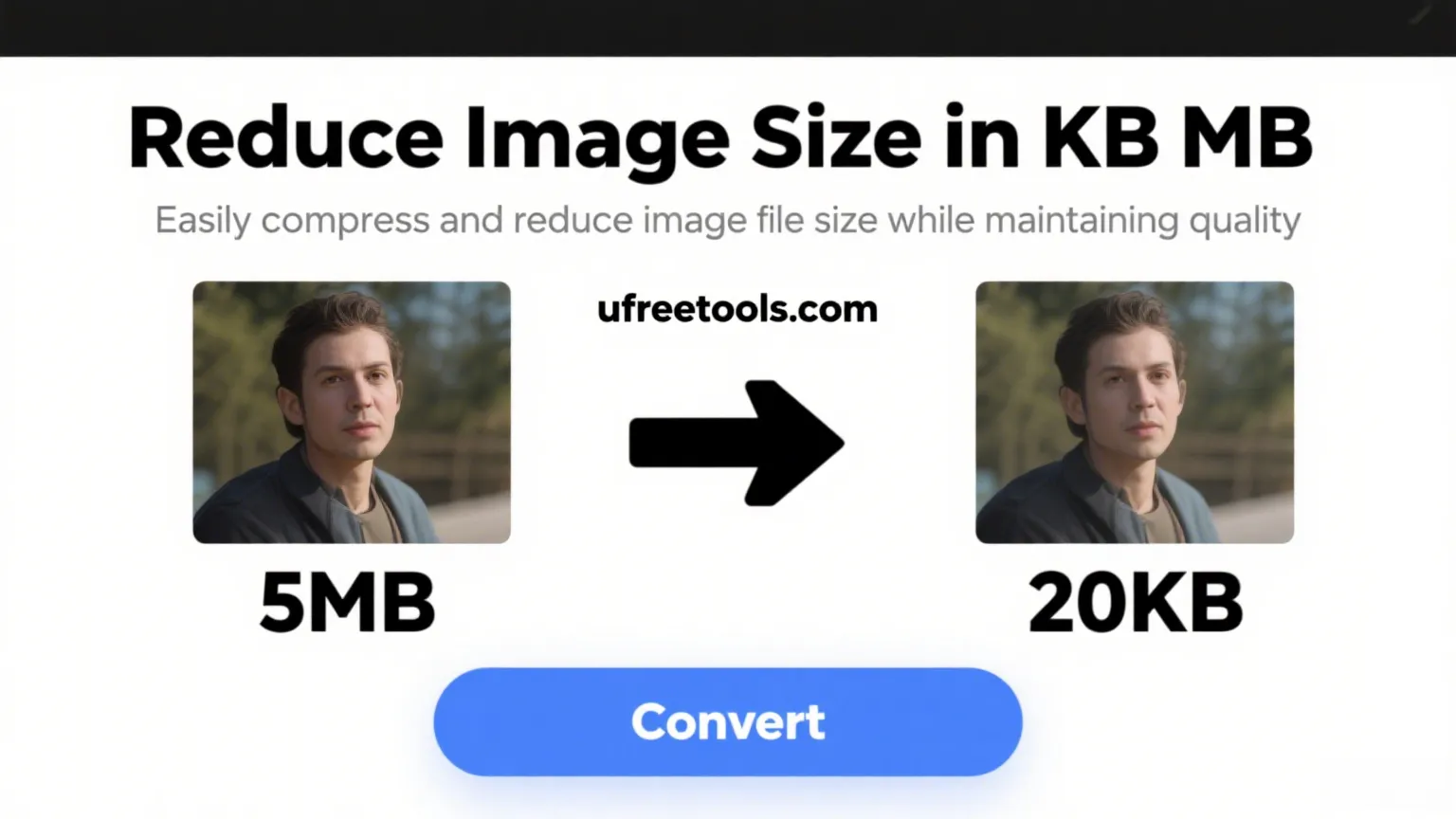
The Reduce Image Size in KB MB tool is a powerful solution designed to compress images to specific file sizes like 20KB, 50KB, 100KB, or any custom size you need. This precise image size reducer addresses the common challenge of meeting exact file size requirements for various platforms without losing significant image quality.
Common Use Cases for Image Size Reduction
Reducing image size in kilobytes or megabytes is essential in many scenarios. Web developers frequently need to optimize images to improve page load times, keeping images under specific KB thresholds. Social media managers often need to compress images to meet platform requirements while maintaining visual appeal. Email marketers need small image sizes to ensure emails load quickly and don't get caught in spam filters. Job applicants need to resize profile photos to meet application requirements, and e-commerce businesses need optimized product images for faster loading without sacrificing quality.
Benefits of Using Our Image Size Reducer
- Precise Size Control: Unlike most compression tools that focus only on quality percentage, our tool allows you to specify the exact target file size in KB or MB.
- Batch Processing: Save time by compressing multiple images at once to your desired file size.
- Format Flexibility: Convert between JPEG, PNG, WEBP, and BMP formats while compressing.
- No Quality Trade-offs: Our advanced algorithms maintain the best possible quality while reaching your target file size.
How to Reduce Image Size to Exact KB or MB
- Upload Your Images
Begin by dragging and dropping your images into the upload area, or click to browse your files. You can upload multiple images for batch processing. Our tool supports all common image formats including JPEG, PNG, WEBP, BMP, and more.
- Select Target Size Mode
Choose the 'Target Size Mode' option in the compression settings. This allows you to specify an exact file size for your images rather than just adjusting quality.
- Specify Your Target Size
Enter your desired file size (for example, 100) and select the unit (KB or MB). You can also use our preset buttons for common sizes like 20KB, 50KB, 100KB, 200KB, 500KB, 1MB, or 2MB.
- Choose Export Format
Select your preferred output format (JPEG, PNG, WEBP, or BMP). Different formats have different compression characteristics, so choose the one that best suits your needs.
- Process and Download
Click the 'Reduce Size' button to process your images. Once complete, you can preview the results, download individual images, or download all as a ZIP file. The results display will show you the original size, new size, and percentage reduction.
Tip: For photos and images with gradients, JPEG or WEBP formats typically provide better compression. For images with transparency or sharp text, PNG format usually works best.
Frequently Asked Questions About Image Size Reduction
How can I reduce my image to exactly 100KB?
To reduce an image to exactly 100KB, upload it to our tool, select 'Target Size Mode', enter '100' in the size field, select 'KB' as the unit, and click 'Reduce Size'. Our algorithm will automatically find the optimal quality and dimensions to reach the target size with minimal quality loss.
Will reducing image size in KB affect the quality?
Yes, reducing image size in KB or MB typically involves some quality reduction. However, our tool uses advanced algorithms that intelligently balance quality reduction, resolution adjustment, and format optimization to minimize visible quality loss while achieving your target file size. For moderate size reductions, the quality difference is often barely noticeable.
What's the difference between reducing image size in KB and resizing dimensions?
Resizing dimensions changes the physical width and height of an image (e.g., from 1920×1080 pixels to 800×450 pixels), while reducing size in KB/MB reduces the file size through compression while potentially maintaining the same dimensions. Our tool focuses on achieving a specific file size target, which it may accomplish through a combination of quality adjustment and dimension reduction if necessary.
What image formats work best for small file sizes?
For photographs and images with many colors, WEBP and JPEG typically provide the best compression efficiency. WEBP is generally superior but has slightly less universal support. For simpler graphics with few colors, solid areas, or transparency, PNG might be more efficient. Our tool lets you experiment with different formats to find the optimal balance between size and quality for your specific image.
Can I reduce multiple images to the same KB size at once?
Yes! Our image size reducer supports batch processing, allowing you to upload multiple images and compress them all to the same target KB or MB size simultaneously. This is perfect for preparing sets of images for websites, social media posts, or applications where consistent file sizes are required.
Related Image Tools
Additional Resources
Conclusion
The ability to reduce image size to specific KB or MB values is invaluable in today's digital landscape. Whether you're optimizing website performance, meeting platform requirements, or simply managing storage space, our Reduce Image Size in KB MB tool provides a precise, user-friendly solution. By maintaining the best possible quality while achieving exact file sizes, this tool helps you balance visual impact with technical requirements across all your digital projects.