US Address Generator: Online Tool to Generate Real US Addresses and Complete Identity Profiles
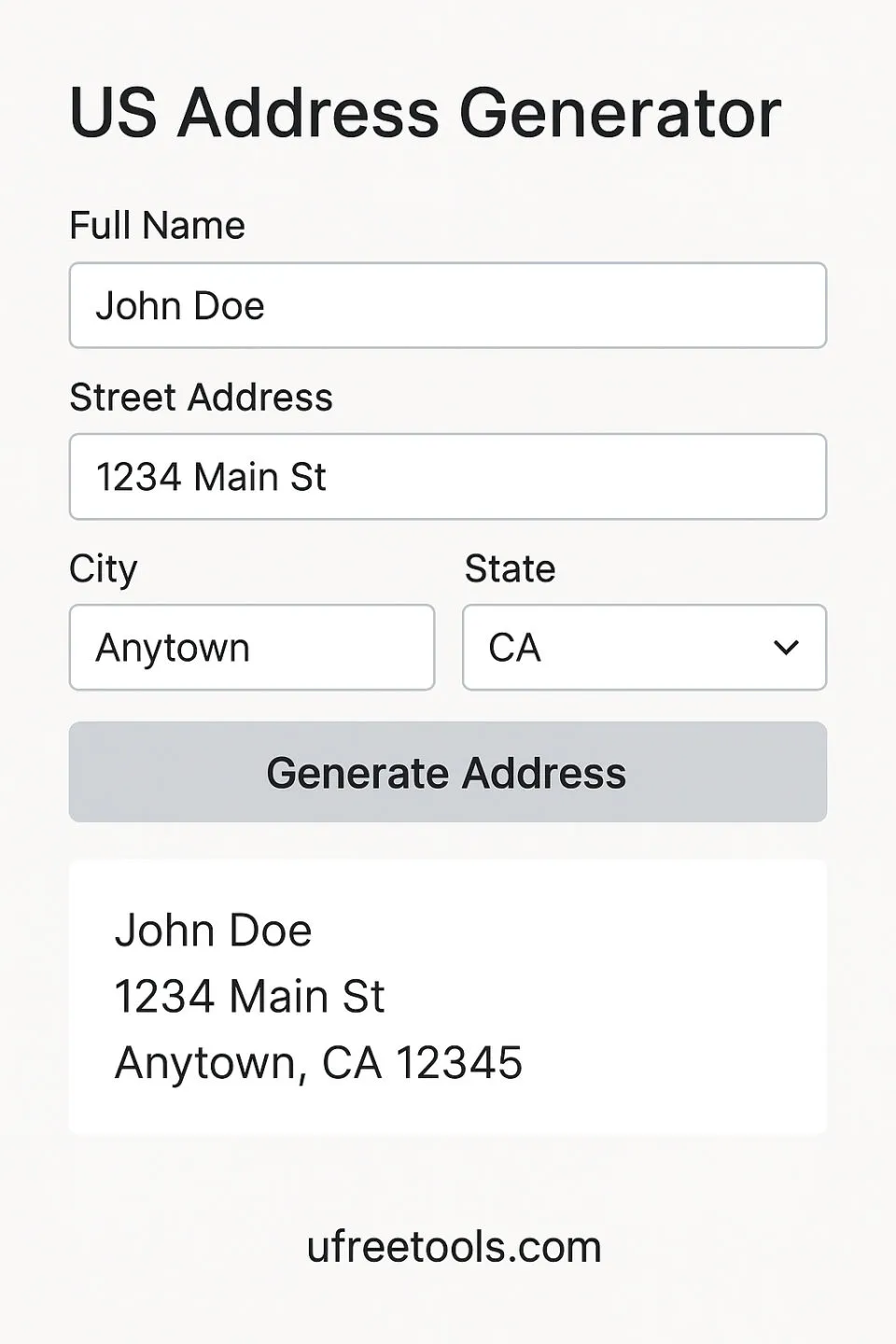
How Does the US Address Generator Help You Quickly Create Real-Format US Addresses?
Typical Use Cases for the US Address Generator
- Software Development Testing: The US Address Generator provides developers with large amounts of format-compliant test data for form validation, address parsing, ZIP code lookup, and other functionality testing without manually entering real information.
- Database Population: The US Address Generator can batch generate tens of thousands of structured address data, quickly populating development environment databases to improve development efficiency.
- Educational Training Demonstrations: The US Address Generator helps teachers and trainers create sample data for explaining geographic knowledge such as address formats, ZIP code rules, and area codes, without using real personal information.
- UI/UX Design Prototypes: The US Address Generator provides designers with real data including addresses, names, and phone numbers, making interface prototypes more realistic and improving user experience testing effectiveness.
- Privacy Protection Testing: The US Address Generator generates virtual identity information for testing websites or applications that require personal profile submissions, protecting real privacy from being exposed.
- Data Analysis Practice: The US Address Generator creates address data that conforms to geographic distribution patterns for use in data analysis, geographic information systems (GIS), and learning projects.
Professional Usage Tips
When using the US Address Generator, it is recommended to select the corresponding state and city according to actual needs. This will make the generated ZIP codes, area codes, and address formats more realistic and credible. For scenarios requiring large amounts of data, you can use the batch generation feature and then export to CSV format for subsequent processing.
Whether for software development, data testing, or educational training, the US Address Generator can provide high-quality, format-correct US addresses and related identity information. The US Address Generator uses open-source algorithms to ensure that generated data conforms to US address standard formats, with all processing completed locally to eliminate data leakage risks. With the US Address Generator, you can quickly obtain complete identity profiles including address, contact information, credit cards, SSNs, and occupational information to meet various testing and demonstration needs.
US Address Generator FAQ
Are the addresses generated by the US Address Generator actually real?
Can the credit card numbers generated by the US Address Generator be used?
What data export formats does the US Address Generator support?
Does using the US Address Generator leak privacy?
Can the US Address Generator generate addresses for specific states or cities?
US Address Generator Usage Guide
Step 1: Select Geographic Location
In the US Address Generator, first select the state and city for which you want to generate addresses. You can choose "All States" and "All Cities" to randomly generate, or specify a particular region to obtain address data that is more consistent with local characteristics.
After selecting a specific state and city, the generated ZIP codes and area codes will automatically match that region, improving data authenticity.
Step 2: Select Address Type
Select the address type in the US Address Generator according to your needs: residential addresses for personal identity profiles, commercial addresses for business information, virtual mailboxes for temporary purposes, and university campus addresses for student profiles.
Different types of addresses will have variations in format and naming, and the US Address Generator will automatically adjust based on the selection.
Step 3: Configure Generation Options
Set the data types to be generated in the US Address Generator, including identity information (name, gender, age, birth date), contact information (phone, email), credit cards, SSNs, career profiles, digital fingerprints, and more. You can check or uncheck the corresponding options as needed.
If you only need address information, you can uncheck other options to speed up generation.
Step 4: Set Generation Quantity
Enter the number of records to generate (1-100) in the US Address Generator, then click the "Generate Data" button. The system will quickly generate all data locally in the browser without waiting for server response.
When batch generating large amounts of data, it is recommended to first test with a small amount of data to confirm the format meets requirements.
Step 5: Preview and Validate Data
After generation is complete, the US Address Generator will display all generated data in the output area. You can expand each record to view detailed information and verify whether address formats, ZIP code validity, area code matching, and other requirements are met.
All data generated by the US Address Generator conforms to US standard formats and can be directly used for testing and demonstrations.
Step 6: Export Data
After confirming the data is correct, select the export format in the US Address Generator: JSON for program processing, CSV for spreadsheet analysis, or generate ID card images or business card layouts. Click the download button to save to your local device.
The exported JSON and CSV files contain all generated fields, facilitating subsequent data processing and analysis.
Generation Complete!
Congratulations, you have successfully mastered the use of the US Address Generator. You can now quickly generate US addresses and complete identity profiles that conform to format requirements for various scenarios including development testing, data population, and educational training.
Related Tools You Might Want to Try
Random Password Generator
Generate secure and reliable random passwords to protect account security.
UUID Generator
Quickly generate unique identifiers (UUIDs) for use as database primary keys and other scenarios.
JSON Formatter
Beautify and validate JSON data for easier reading and debugging.
CSV to JSON Converter
Convert CSV data to JSON format with customizable options.
Authoritative Reference Materials
- US ZIP Code Lookup
Look up ZIP code information for various regions in the United States.
- Luhn Algorithm - Credit Card Number Validation
Learn about the principles and implementation methods of credit card number validation algorithms.
- Social Security Administration (SSA) - SSN Format Description
Understand the format rules and area numbering systems of US Social Security Numbers.