Online EXIF Remover Guide: Image Metadata Deletion Tool
What is an Online EXIF Remover and its Purpose?
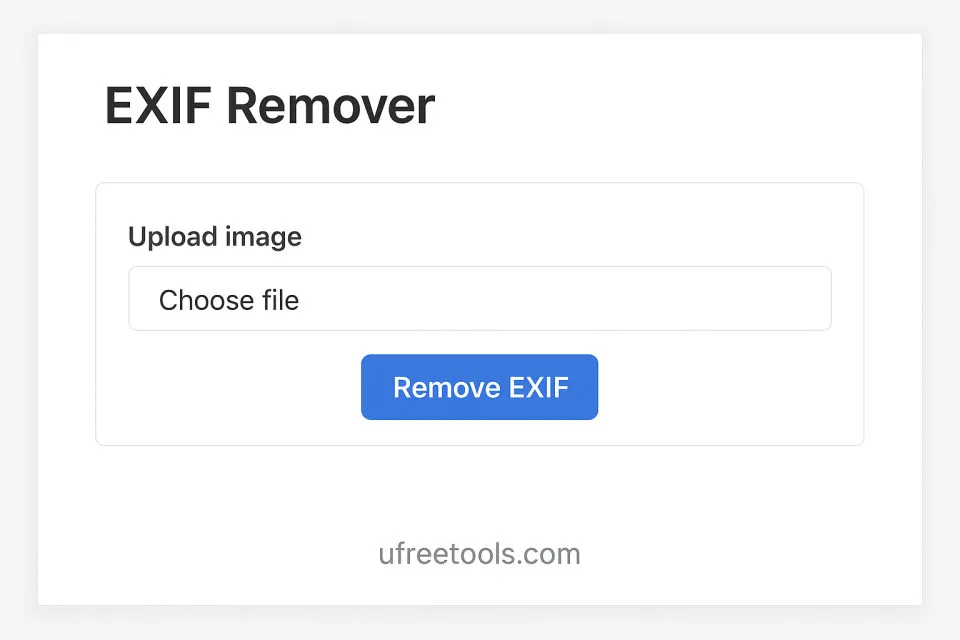
Our Online EXIF Remover is a powerful image privacy protection tool that can quickly delete embedded EXIF (Exchangeable Image File Format) metadata information from images. EXIF data contains sensitive information such as shooting parameters, camera information, GPS location, etc., which may compromise your privacy when sharing images. Using our EXIF data removal tool, you can delete all metadata information from images directly in your browser without installing any software, with all processing completed locally to ensure your privacy and security.
Common Application Scenarios for EXIF Remover
- Protect privacy and security, delete GPS location information from images
- Remove sensitive metadata before sharing on social media
- Reduce image file size, remove unnecessary metadata
- Protect copyright information, delete camera and software information
- Prepare images for web display, remove all metadata
- Protect personal privacy, prevent location tracking through EXIF data
- Clean all shooting parameter information before publishing photos
- Ensure images contain no trackable metadata
Professional Tip:
After removing EXIF data, the visual quality of the image will not be affected in any way. Only metadata information is deleted, and the pixel data of the image remains completely unchanged.
EXIF metadata removal tools are particularly useful for privacy-conscious users, social media users, web administrators, and anyone who needs to share images but doesn't want to leak metadata information. By using our EXIF remover, you can safely share images without worrying about revealing shooting location, camera model, or other sensitive information. Our tool supports multiple image formats, including JPEG, HEIC, WebP, PNG, and some RAW and TIFF formats, making this process simple and efficient without installing any software.
Frequently Asked Questions
Why do I need to remove EXIF data?
Will removing EXIF data affect image quality?
Will removing EXIF data reduce file size?
Which image formats are supported?
Can EXIF data be restored after removal?
Can multiple images be processed in batch?
What formats are available for processed images?
Will my images be uploaded to a server?
How to Use Online EXIF Remover
Upload Your Images
First, upload the images from which you want to remove EXIF data. You can directly drag and drop files into the upload area or click to browse and select files from your device. Our tool supports multiple formats including JPEG, HEIC, WebP, PNG, RAW, and TIFF.
You can upload multiple images at once for batch processing.
View Original EXIF Information (Optional)
After uploading, the tool will display whether the images contain EXIF data. If images contain EXIF information, you can see some basic information such as file size. This helps you understand the amount of data to be removed.
If images do not contain EXIF data, the tool will display corresponding提示 information.
Remove EXIF Data
Click the "Remove EXIF Data" button to start processing. The tool will draw the image to a canvas, and this process will automatically remove all EXIF metadata information, including shooting parameters, GPS location, camera information, etc.
Processing usually completes within a few seconds, depending on image size and quantity.
View Processing Results
After processing is complete, you can see the processed images in the output area. The tool will display file size comparison before and after processing, as well as confirmation of whether EXIF data has been successfully removed.
Processed images look exactly the same as original images visually, only with metadata removed.
Select Export Format and Quality
For each processed image, you can choose export format (PNG, JPG, WEBP, or BMP). If you choose JPG format, you can also use the slider to adjust quality to balance between file size and image quality.
PNG format is suitable for images requiring transparency, JPG format is suitable for photos with smaller file size.
Download Processed Images
Click the "Download" button below each image to save individually, or use the "Batch Download" button at the top of the output section to download all processed images as a ZIP file.
All processing is done in your browser, so your images are never uploaded to any server, ensuring privacy and security.
Congratulations!
You have successfully learned how to use our online EXIF remover. Now you can safely share images without worrying about leaking any metadata information, protecting your privacy and security.
Related Tools You May Be Interested In
Reference Resources
- EXIF Standard Specification
Learn about the official standards and technical specifications of EXIF data format
- Digital Image Metadata
Detailed explanation of image metadata and EXIF information
- Online Privacy Protection Guide
Learn how to protect personal privacy when sharing images