PDF Decryption Tool: Browser-based Solution to Remove Open Passwords and Permission Restrictions
What is an Online PDF Decryption Tool and When Do You Need Decryption?
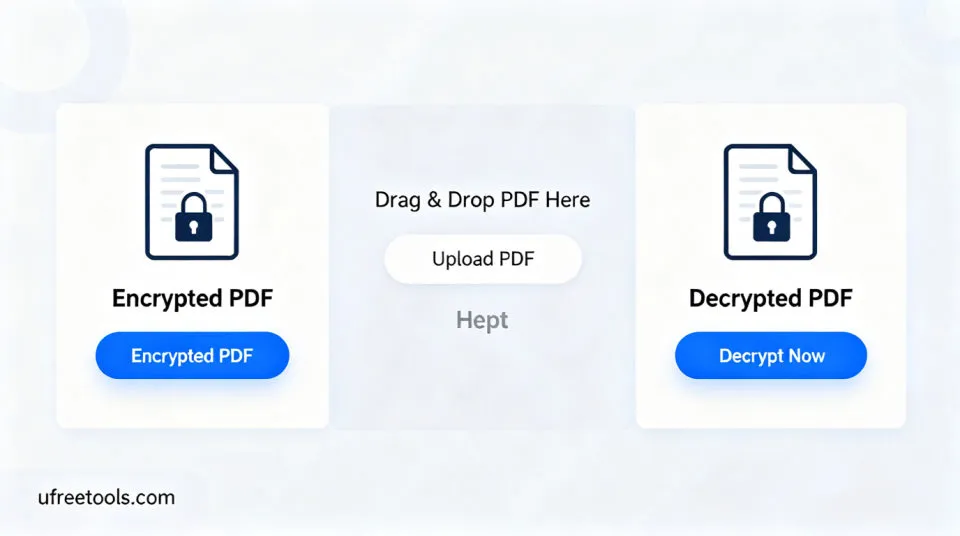
Our online PDF decryption tool is based on a pure front-end open-source technology stack. It supports providing an open password (user password) for encrypted PDFs to perform decryption, removing permission restrictions such as printing, editing, copying, and form filling. It supports drag-and-drop upload, traditional multi-selection, URL batch import, and batch addition, providing real-time preview comparison and basic analysis to help you quickly verify the decryption effect. After decryption is complete, you can download individually or batch download as ZIP. All operations are performed locally in the browser without uploading to a server, protecting privacy and ensuring efficiency.
Common Application Scenarios for PDF Decryption
- Remove permission restrictions from enterprise shared documents for internal editing
- Perform compliant decryption for documents with forgotten owner permission configurations
- Restore printing and copying capabilities for proofreading and content reuse
- Remove low-resolution restrictions from training materials or reports to improve output quality
- Batch decrypt multiple PDFs and process them uniformly
- Quickly decrypt and preview decryption effects on mobile devices
- Local browser decryption without uploading to protect privacy
Professional Tips:
It is recommended to decrypt only PDFs for which you have legitimate usage authorization; for better search performance, you can fill in titles and keywords in metadata and maintain consistent naming strategies (the current tool does not modify PDF metadata).
The online PDF decryption tool can quickly remove permission restrictions and restore content in the browser, suitable for various scenarios such as enterprises, educational institutions, and individual users. By providing the correct open password and performing decryption, you can improve document usability within compliance boundaries.
Frequently Asked Questions (FAQ)
How does the online PDF decryption tool work?
Does it support batch decryption and real-time preview comparison?
Can this tool be used if the PDF is not encrypted?
How to Use the Online PDF Decryption Tool
Add PDF Files
Upload via drag-and-drop or click to select files (supports multi-selection and batch addition); you can also paste multiple URLs at once in the "Batch Import Network PDF URLs" section.
It is recommended to familiarize yourself with the process using sample PDFs first.
Provide Open Password (if needed)
If the PDF is encrypted, please enter the open password (user password) in "Decryption Password" to perform decryption; if not encrypted, you can execute directly.
Incorrect passwords will cause decryption failure or preview failure.
Perform Decryption and Preview
After clicking "Perform Decryption", a new PDF is generated, and the original and decrypted first pages are compared in the right preview area.
If preview fails, the file may be corrupted or incompatible.
Completed!
You have mastered how to use the online PDF decryption tool to remove document permission restrictions and verify decryption effects.
Related Tools You Might Be Interested In
PDF Merger
Combine multiple PDF files into a complete PDF document, supporting cross-file page reordering.
PDF Splitter
Split large PDF documents into multiple smaller PDF files, supporting custom split pages.
PDF to Word Converter
Convert PDF documents to editable Word format, preserving original layout and formatting.
PDF to Image Converter
Convert each page of a PDF document to high-quality image files, supporting multiple output formats.
Reference Resources
- QPDF Official
QPDF provides powerful PDF structural processing capabilities, including encryption and decryption.
- PDF.js Documentation
PDF.js is an open-source library for rendering PDFs in browsers, suitable for preview and basic information retrieval.
- Adobe PDF Reference Specification
Adobe PDF reference documents provide PDF specification details and security-related definitions.